This guide explains how to use Item Supplier to manage the supplier records referenced by inventory items and stock entries.
Short summary
Use Item Supplier when the school needs to add or maintain supplier contact records for inventory operations. The current tab combines an add form, a supplier table, and an edit modal for existing rows.
Before you start
- Confirm the supplier name and contact person.
- Prepare phone, email, and address values if your school stores them.
- Avoid duplicate supplier rows when a vendor already exists in the directory.
Navigation path
Inventory -> Item Supplier
Step 1: Open Item Supplier
In the sidebar, open Inventory and choose Item Supplier.
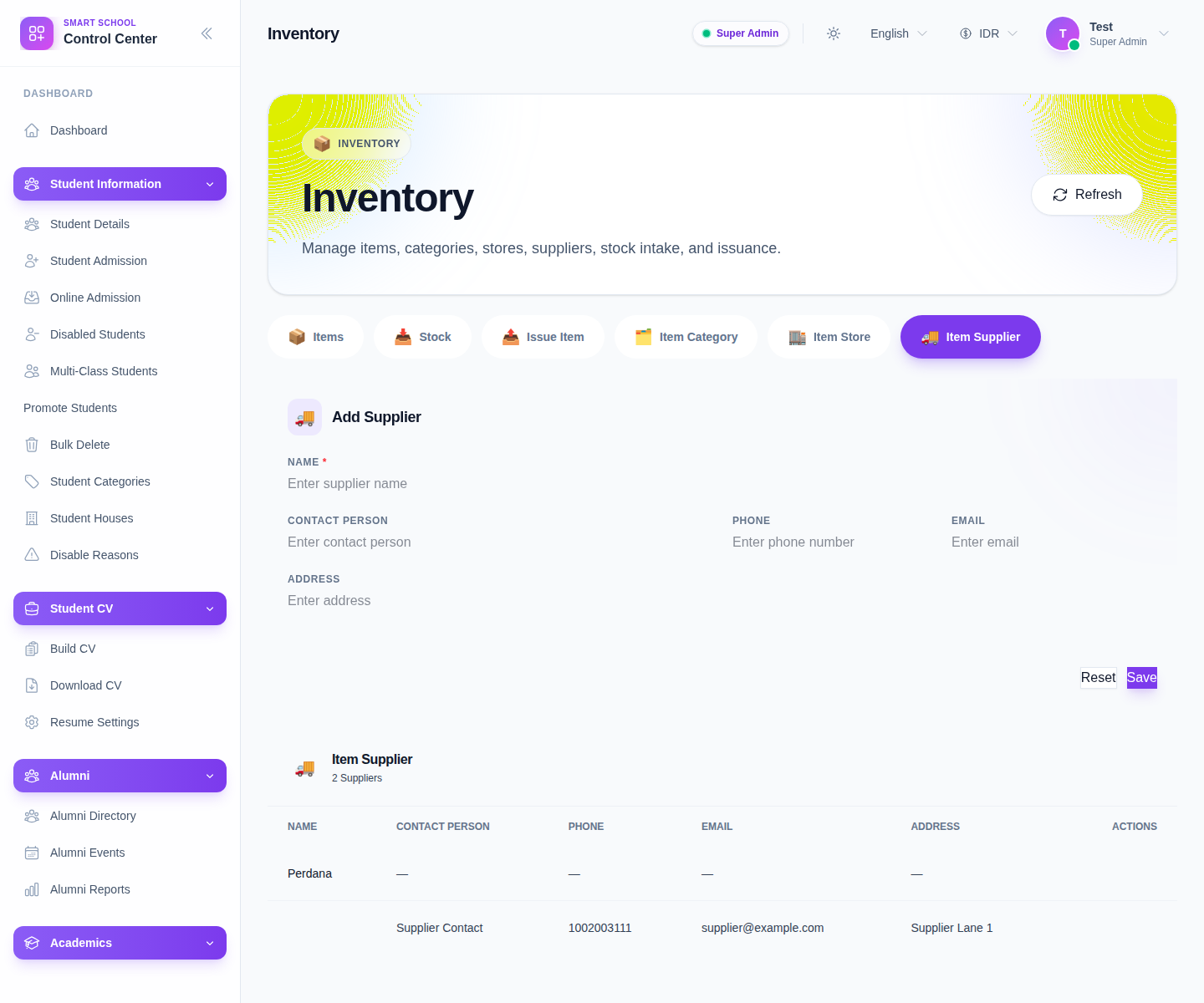
The current form includes:
- Name
- Contact Person
- Phone
- Address
Step 2: Create the supplier record
Complete the form:
- enter the supplier Name
- add Contact Person
- add Phone
- add Email
- add Address
- click Save
Use Reset if the current input should be cleared.
Step 3: Review the supplier table
The current table shows:
- Name
- Contact Person
- Phone
- Address
- Actions
Use the table to check whether the supplier already exists and whether the contact details are clean enough for future operations.
Step 4: Edit or delete supplier rows carefully
The current row actions include:
- Edit
- Delete
Edit opens a modal for correcting contact details. Delete should be used carefully because existing items and stock rows may already reference the supplier.
Step 5: Confirm downstream usage
After saving:
- return to Add Item or Stock
- verify the supplier appears in the selector lists
- confirm that staff can identify the right vendor quickly during later intake workflows
Verify the result
- the supplier appears in the table with the right contact details
- the supplier is available in item and stock selectors
- staff can distinguish the supplier from similar vendors
Troubleshooting
| Issue | Likely cause | What to do |
|---|---|---|
| The supplier is missing from selectors | The row was not saved or the workspace needs refresh | Save again and reload the inventory page |
| Duplicate supplier rows appear | Staff created a new row without checking the table first | Merge or clean up before more items depend on them |
| Contact details are hard to trust | The record was entered loosely | Edit the supplier and correct the fields |
| Deleting the supplier seems risky | Existing items or stock entries may reference it | Review dependencies before removing the row |