This guide explains how to use Item Category to manage the category records behind inventory items.
Short summary
Use Item Category when the inventory structure needs a new category or when existing category labels need maintenance. The current tab combines a simple add form, a category table, and an edit modal.
Before you start
- Decide the category name before adding it.
- Use the description when the category meaning needs explanation.
- Avoid near-duplicate labels that will confuse future item entry.
Navigation path
Inventory -> Item Category
Step 1: Open Item Category
In the sidebar, open Inventory and choose Item Category.
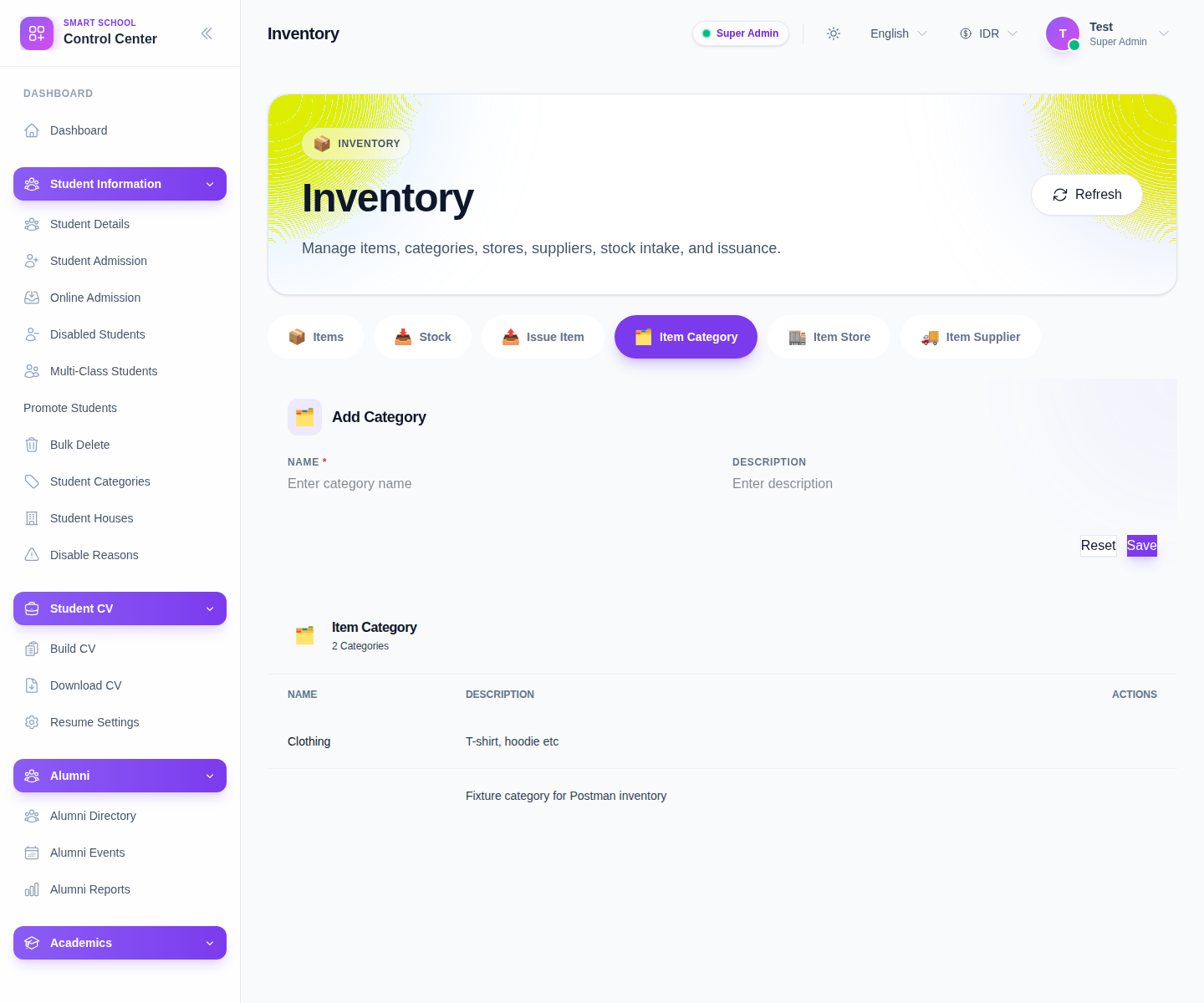
The current add form includes:
- Name
- Description
Step 2: Create the category
Fill the add form:
- enter Name
- add Description if useful
- click Save
Use Reset to clear the form when the input should be discarded.
Step 3: Review the category table
The table below the form currently shows:
- Name
- Description
- Actions
Use the table to confirm the category exists before adding items under it.
Step 4: Edit or delete a category carefully
The current row actions include:
- Edit
- Delete
Edit opens a modal where the same fields can be updated. Use Delete carefully because categories are shared reference data for the item form and filters.
Step 5: Confirm downstream usage
After saving or editing:
- return to Add Item
- check that the category appears in the selector
- use the item filters later to confirm it works as expected in search
Verify the result
- the category appears in the table
- the label is clear and not duplicated unnecessarily
- the category is available in the item form and item filters
Troubleshooting
| Issue | Likely cause | What to do |
|---|---|---|
| The category is missing from Add Item | It was not saved or the page needs refresh | Save again and reload the inventory workspace |
| Too many categories mean almost the same thing | Naming is drifting | Consolidate names before item data grows |
| Staff choose the wrong category | Labels are too vague | Clarify the name and description |
| Category cleanup feels risky | Existing items may already depend on it | Review linked items before deleting the row |